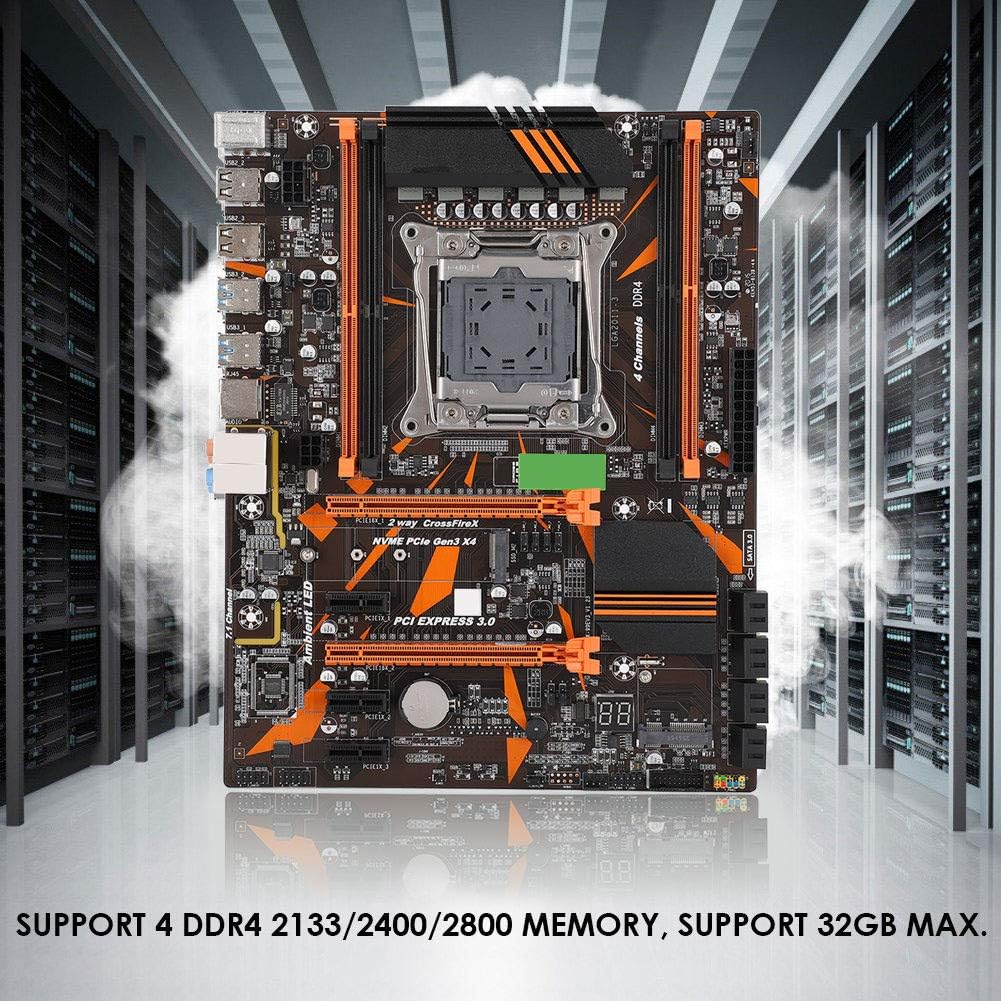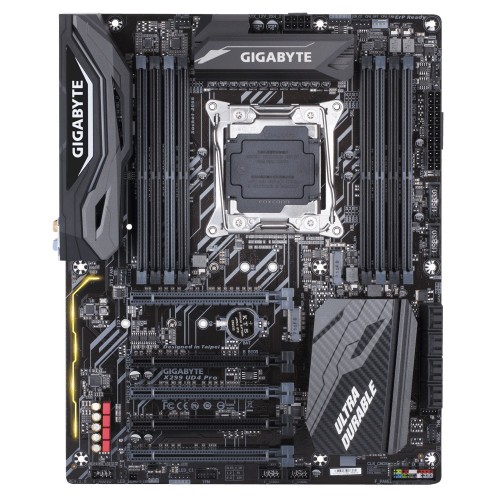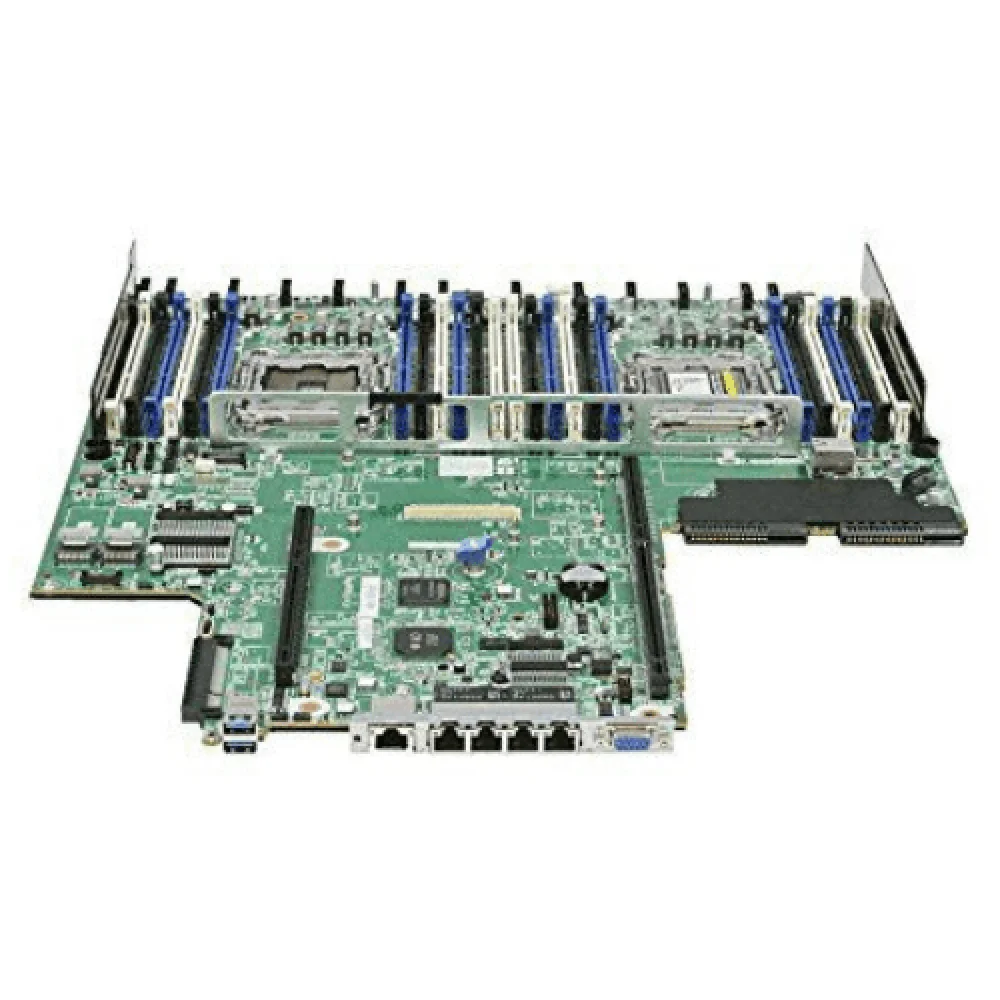









The SZ HUANAN SANXIAN TECHNOLOGY CO., LTD. motherboard is designed with advanced features including:
- Supports Intel Xeon and LGA 2011 processors
- DDR3 memory with ECC support
- Multiple SATA ports, USB ports, and PCIe slots
- Realtek LAN and audio drivers
- BIOS with CMOS setup and SRAM
Product Usage Instructions
Before assembling the computer, please follow these safety precautions:
- Avoid electrostatic discharge by discharging your body static by touching other metal objects before taking the motherboard out of the box.
- Hold the border of the motherboard when taking it out and do not touch the sensitive parts of the motherboard.
- Confirm that the motherboard is properly packaged upon purchase. If there is any damage to the packaging or lack of accessories, contact the manufacturer as soon as possible.

To install the motherboard and set up the computer, follow these steps:
- Firmly connect all parts to prevent failure of recognizing components or starting the computer.
- Install drivers for the motherboard including Intel chipset, Realtek LAN, and Realtek audio drivers.
- Configure BIOS settings through CMOS setup and SRAM to optimize system performance. The BIOS includes main, advanced, chipset, boot, security, save, and exit settings.
For more information on installation and settings, refer to the included motherboard diagram and rear I/O panel guide.
SAFETY PRECAUTIONS
- Products could probably be damaged due to electrostatic discharge(ESD). Please follow the steps below for a successful computer assembly.
- Make sure all parts are firmly connected; otherwise, it might lead to the failure of recognizing components or starting the computer.
- In order to prevent products from being damaged by ESD, please make sure to discharge your body static by touching other metal objects before taking the motherboard out of the box.
- Hold the border of the motherboard when taking it out. Do not touch the sensitive parts of the motherboard.
- Please put the motherboard in an anti-static container or on an anti-static pad if not needed.
- Before turning on the computer, make sure all parts inside the case are firmly connected without any loose screws or metal components.
- Do not start the computer before installation finished, otherwise, it might result in permanent damage to the computer parts or even injury to the user.
- If you need any assistance in the process of installation, please contact our after-sales customer service or reach us on HUANANZHI official E-mail: business@huananzhi.com for professional technical support.
- Prior to installation or disassembly, please switch off the power and pull the power cable from the socket.
- Keep the motherboard away from moisture.
- Keep the user manual for future reference.
- Before plugging the power supply, please make sure the socket provides the corresponding voltage.
- In any of the following situations, please keep the motherboard and power cable in a safe place. Do not put anything on the power cable.
- In the event of any of the following conditions, have the board checked by a service technician:
- Liquid penetrated into the computer.
- The motherboard is exposed to moisture.
The motherboard does not work even if you follow the instructions on user manual.
Motherboard fell off to the ground and got damaged. Motherboard has clear signs of damage.
PACKING
Please confirm that the motherboard is properly packaged upon purchase of the product. If there is any damage to the packaging or lack of accessories, contact us as soon as
possible.
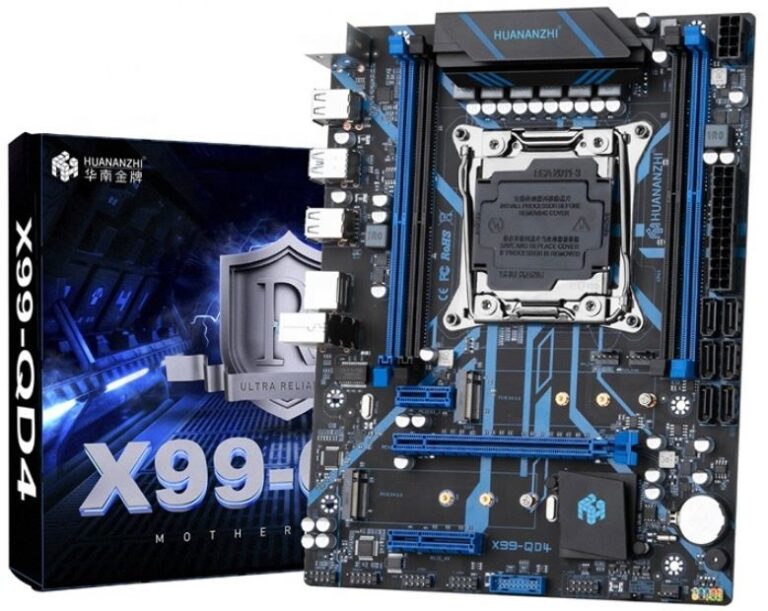
- HUANANZHI X99-QD4 Motherboard
- SATA data cable
- User manual
- Warranty card
BRIEF INTRODUCTION
Features
- CPU:
- Intel ® LGA2011-3 Processor Intel ® Xeon ™
- Intel ® LGA2011-35/6 Generation Intel ® Core ™
- RAM:
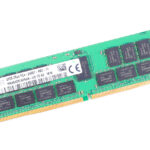
- 4*DIMM supports up to 128GB DDR4 2400/2133/1866 MHZ Non-ECC.ECC memory
- Quad-Channel Memory Architecture
- Actual memory data rate depends on CPU type and DRAM module
- I/O effects:
- 6x SATA3.0 (maximum transfer speed up to 6GB/s)
- 4x USB2.0 interface
- 2x USB3.0 ports
- 1x PS/2 Mouse and Keyboard port
- 1x RJ45 Network card interface
- Audio:
- Realtek Audio Transcoder
- Realtek 5.1 Channel High Fidelity Audio
- Audio output: Front Out/Front Speaker Out
- Audio input: Microphone input, Audio input
- Ethernet: 1x Realtek PCle Gigabit LAN
- Expansion slot:
- 1x PCIe 3.0 x16
- 1x PCIe 3.0×4
- 1x PCIe 2.0 x1
- 2x M.2 NVME PCIe 3.0X4 (key M)2224/2260/2280